
The Durham County Court Calendar
Durham County offers two calendar tools, and each answers a different question. The North Carolina eCourts Portal is built around cases. One Durham record there can hold the Case Summary, Case Events, and Hearings together. The Judicial Branch calendar service takes the opposite approach and organizes by session. Pick Durham and a case category. It then publishes the civil or criminal calendar material for that sitting.
For a current hearing on a Durham matter, the Portal record is the better stop. The calendar service helps you spot a civil or criminal session. But it points users back to the Portal or the local court for current case information. Durham Superior Court and Durham County District Court share this statewide setup. Even so, their calendars and case types differ.
Durham Court Calendar Sources
Match the source to your question. A known Durham case means opening its Portal record and checking the Hearings section against the Case Summary. If all you know is that a Durham civil or criminal session is coming, the Judicial Branch calendar service lets you select the county and the calendar type. It publishes session material only. There is no free-form case-name docket search there.
| Durham calendar source | Best use | Current-date caution |
|---|---|---|
| eCourts Portal | Case-level Hearings and Case Summary | Compare the current hearing and the individual case record. |
| Published civil calendar | Durham civil-session material | A session document can change after publication. |
| Published criminal calendar | Durham criminal-session material | Confirm a changed case setting through the Portal or Clerk. |
Note: A published session calendar helps you plan, but the newest Durham case-level hearing entry is what controls the final confirmation.
How to Find Your Court Date
Begin with your notice or citation, and keep the case number close. The Portal takes a case number or a name. Its separate Search Hearings tool can scan a Durham date range by case number, party, business, attorney, judicial officer, or courtroom. Keep the search narrow. A broad name search can return up to 200 matches. The short list is the one you want.
- Open the eCourts Portal, search the Durham case, and read the Hearings section with the Case Summary.
- If only the session is known, open the Durham civil calendar or Durham criminal calendar and select the relevant published session.
- For an uncertain Durham date, call the department that handles the case type: District Criminal/Traffic, Superior Criminal, Civil, or Family Court.
- Ask the Durham Clerk for the public-access terminal or counter route if online information is unavailable. A represented party should also check instructions from counsel before appearing.
Phone lines cover the criminal, civil, and family divisions. Durham District Criminal/Traffic sits at 919-808-3002, Superior Criminal at 919-808-3007, Civil at 919-808-3003, and Family Court at 919-808-3075. For a paper record or a setting still unclear after the online check, the Durham Clerk counter is the place to go.
Durham Court Calendar Selectors
The published-calendar interface keeps things simple with three controls. Pick Durham in the County menu, which is required. Choose Civil or Criminal in the required Calendar Type menu, and then open the results. The civil route can list a Durham District Civil Calendar. It can also list a Durham Superior Civil Calendar. The criminal route offers the District Criminal and Superior Criminal versions for Durham.
No case-name field exists on that selector. That gap matters. Anyone tracking a single Durham hearing should start with the Portal case search or the Search Hearings tool. The calendar results still earn their keep. They help when the task is spotting a session, a calendar category, or the current published document.
Search Hearings needs a Location. It also needs a search type with its matching value, and a Date From and Date To. For a Durham calendar question, select Durham and keep the window short around the expected setting. Search types include case number, party name, business name, attorney name, attorney bar number, judicial officer, and courtroom. Results can be sorted by column. The Portal's public guide does not list every Durham hearing-type value or flag a virtual appearance. Confirm directly with the court when appearance instructions are missing.
Durham local rules and forms gather the civil calendaring materials behind those sessions.
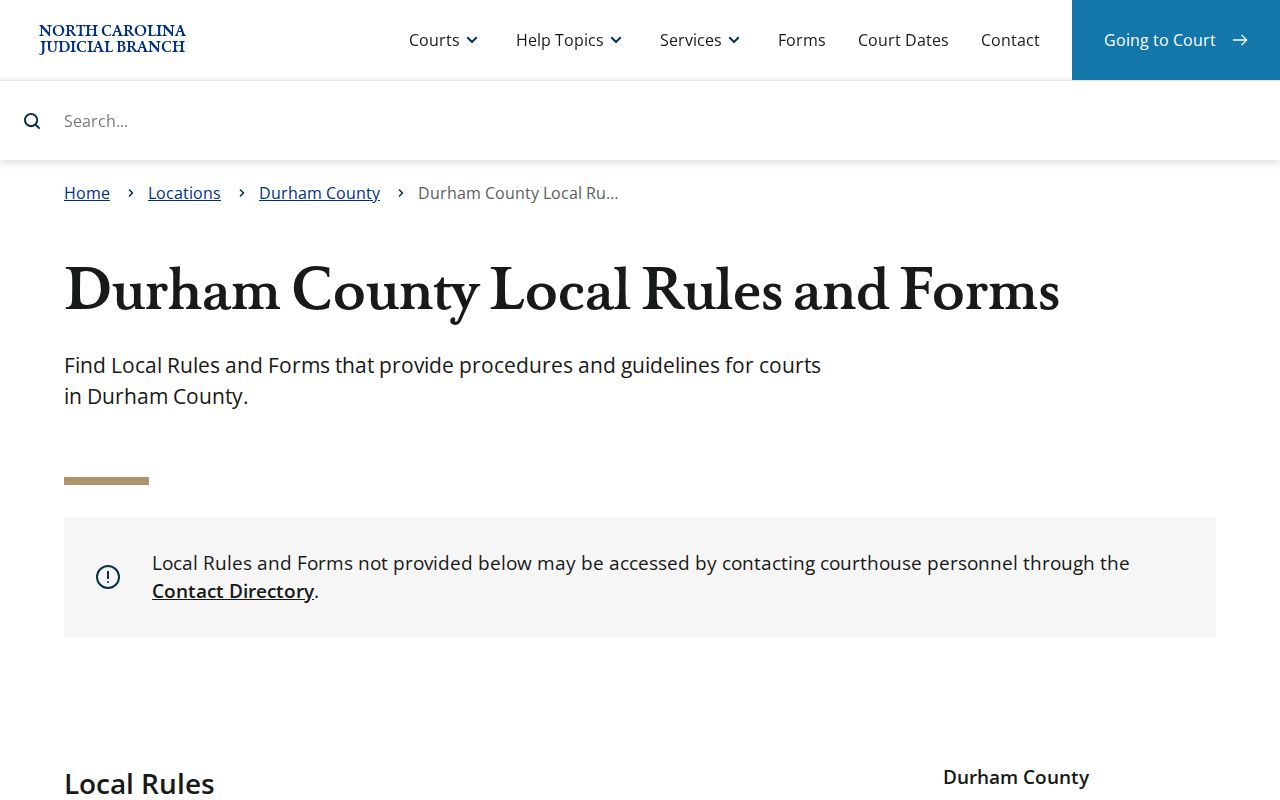
The local-rules page can help you tell a Durham calendar request or notice apart from the current case hearing shown in the Portal.
Reading a Court Setting
A Durham setting is a scheduled court event. It is not always a final trial date. Read the case number and court assignment before anything else. Then compare the date with the Hearings section and the chronological Case Summary. That order matters, since an older event can linger in the record after a reset. Does the docket look uncertain? Confirm the newest Durham hearing entry with the Clerk or the court coordinator before you appear.
| Date | The scheduled court date; compare it with the newest Durham hearing information. |
|---|---|
| Time | The listed start time or appearance window. A converted historical event can show 12:00 a.m. without marking a real hearing time. |
| Courtroom | The Portal may identify the courtroom; use direct court confirmation if appearance details are absent. |
| Assignment | The court or case assignment displayed in the Case Summary context. |
| Setting type | A hearing, motion calendar, administrative calendar, trial calendar, or other event that describes the purpose of the setting. |
Durham Court Calendar Terms
Durham civil rules carry labels. They explain why a calendar entry may not equal a full trial. Each term names the kind of court work planned for a session. Treat them as descriptions, not a Durham-only codebook. The case record itself remains the place to verify any specific setting.
- Administrative calendar
- A Durham civil calendar for status or management activity rather than a full trial.
- Motion calendar
- A calendar for motion hearings, prepared on a shorter local schedule.
- Trial calendar
- A calendar for matters set to be tried.
- Continuance
- A request or court-authorized move of a setting; filing a request does not itself grant it.
- Reset
- A changed setting that must be checked against the newest Portal or Clerk information.
Note: A Durham administrative calendar can be about case management, so check the setting type before reading the entry as a trial date.
Resets, Continuances, and Cancellations
Durham hearing dates can shift, and the civil calendar rules explain why. Trial and administrative calendars usually come out about four weeks before a session starts. Motion calendars move on a tighter clock, appearing roughly one week ahead. Nothing is final at that stage. Each version stays open to change. Weekly updates continue until the last draft lands by 2:00 p.m. on the final business day before the session. That late deadline is why an early Durham hearing record can look different from a later one. Neither version is necessarily wrong.
General civil settings carry their own timing rules. A calendar request must reach the court at least ten business days before the session. The parties coordinate dates in advance. Proof of notice is due by 4:00 p.m. three business days out. If a party still appears on the calendar at 4:00 p.m. two business days before court, that party is expected to show up unless the matter is properly removed. Keep in mind these deadlines govern civil scheduling only. A Durham criminal, traffic, or family docket runs on its own local mechanics.
Durham Court Calendar Updates
Suppose the Durham calendar PDF and the Portal disagree. Do not assume either one is simply an error. The PDF may show a published session. The case-level hearing record may instead reflect a later reset, a continuance, or a changed assignment. Look again at the Case Summary and Hearings sections. If the current setting is still unclear, call the Durham Clerk department that handles the case. The general civil rules send calendar questions to the district court coordinator at 919-808-3018 or to the online calendar. Criminal and traffic date questions go to the Durham criminal department holding the case. When the Portal shows nothing helpful, a courthouse counter or public-access terminal is another option.
Durham moved to eCourts in April 2024. That made the Portal the main online route for case information. The switch did not merge the two channels, though. A calendar download can still serve a Durham session well. The Portal gives the current case-level word on a hearing. Older paper material sits with the Clerk's office whenever the online court records leave a question open.
One caution deserves its own line. Confirm a Durham calendar change through the newest case-level information. Never treat an older session document or event as if it were a result.
What To Do If You Miss a Setting
Missed a Durham setting? Act quickly. Confirm what happened in your specific case. Pull up the newest Case Summary and Hearings entry on the Portal first. Then contact the Clerk department for that case type. Bring the case number or citation number to the call or counter. Civil matters may route through the district court coordinator. A criminal or traffic matter belongs with the matching Durham criminal department.
Missed a Setting? A missed Durham criminal or traffic court date can have serious case consequences, so confirm the current status promptly with the Clerk or through counsel.
Do not rely on an earlier calendar download when the Portal or direct court confirmation shows a later event.
Durham Traffic Court Settings
Administrative Traffic Court is its own Durham District Court setting. For a qualifying scheduled traffic matter, the instructions are simple. Show up any time from 8:30 a.m. to 12:30 p.m. on the date shown. Come to Traffic Courtroom 3 on the third floor. A contested matter works differently. The person charged, or that person's lawyer, asks for a future officer-calendared trial instead.
This appearance window belongs to traffic alone. It is not a stand-in for a felony, family, or civil setting in Durham County. Read the specific citation or notice you received. Then confirm the case date through the Portal or District Criminal/Traffic before you head downtown. The Durham Administrative Traffic Court page lays out the qualifying traffic-court arrangement in full.
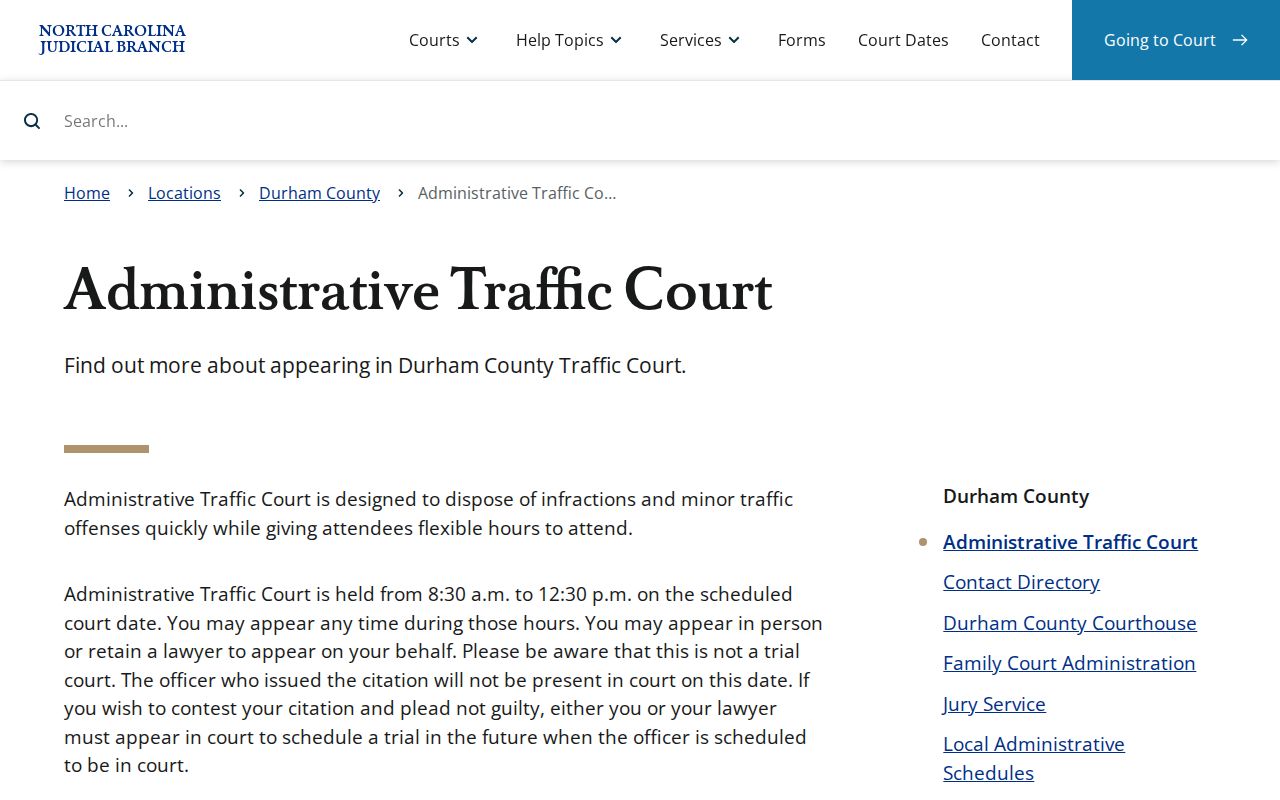
A traffic-court date plays by its own rules. The published Durham traffic information shows why one calendar type's settings should never be borrowed for another.