
How to Get Court Records
Most current Durham County court records start online. The North Carolina eCourts Portal gives free public search. It also provides the Case Summary, also called the Register of Actions, for Durham County cases that are available online. Missing the case number? A focused Durham County case search can turn it up. Need copies or certifications? The Clerk's public-access terminals, paper files, and counters take over as the Durham County record channels.
- Identify the Durham County case number, court type, and exact item sought. A Case Summary, a signed judgment, and a transcript are different Durham County court records.
- Search the Portal for the public Case Summary and any document it displays. Note the case number, event date, and the Durham County department that handles the matter.
- Use the Durham Clerk counter or ask for the public-access terminal when a paper file, a formal copy, or an online-access check is needed. A phone call to the applicable counter can confirm routing.
- State whether an ordinary or certified copy is needed, then confirm the current charge and timing with that Durham County Clerk department before submitting a request.
- Do not assume there is a general mail, email, fax, or online form for every Durham County document request. The reviewed sources do not publish one, and the payment-by-mail option is not a copy-order route.
The Judicial Branch’s court-records guidance illustrates the statewide path for obtaining Durham court records.
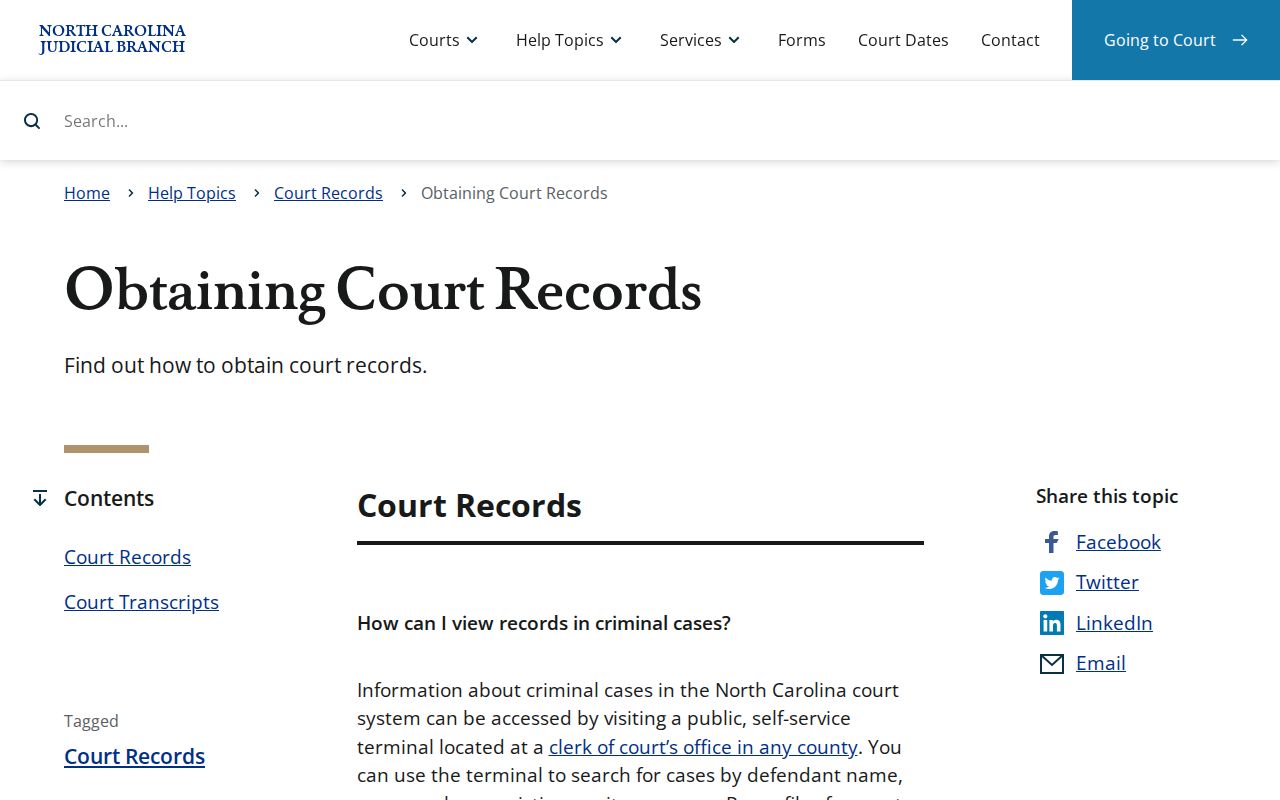
That guidance matches the Durham County sequence. Read the online case information first, then go to the Clerk for copies or paper-file access.
Durham Court Record Fallback
For criminal docket searches by defendant, case number, victim, or witness, a public terminal is a documented Durham County records fallback. The state guidance names no terminal room in the courthouse. Ask the Durham Clerk where the terminal sits rather than guessing.
Durham eCourts kiosks add another route. They offer Portal access, scanning, printing, filing tools, payment services, and court-date information. The public announcement names no room either. The Durham County Clerk can point a visitor to the current access point.
Durham Court Record Differences
Three related Durham County court records do different jobs. The Portal's Case Summary lists activity in order. A filed document is the pleading, order, judgment, or other item behind an entry. A certified copy is a Clerk-issued official copy. Note the limits: a Portal result or a payment receipt does not automatically give you a filed document or a certified Durham County court record.
- Case Summary / Register of Actions
- The Durham County chronological case view, with case events and other displayed sections.
- Filed document
- A pleading, order, or judgment behind an event. Visibility in the Portal depends on the record and access rules.
- Certified copy
- A Durham County Clerk-issued official copy of a court record, requested from the relevant Clerk department.
Ask for the smallest Durham County record that answers the need. That habit pays off. It keeps you from requesting a broad file at the Clerk counter when the relevant event, hearing, or judgment is already identified.
Durham Clerk Record Counters
One office holds everything, but the work is divided. The unified Durham County Clerk of Superior Court keeps records for both trial-court levels. Those records are split across departments. District Criminal/Traffic takes traffic and District Court criminal matters. Superior Criminal takes Superior Court criminal records. Civil, Judgments, Family Court, and magistrate matters each have their own Durham County service points.
| Durham County record type | Clerk department | Public contact |
|---|---|---|
| Civil filings and designated civil records | Civil, Room 1500 | 919-808-3003 |
| Judgments and some older divorce decrees | Judgment Department, Room 1400 | 919-808-3008 |
| Traffic and District Court criminal records | District Criminal/Traffic, Room 1300 | 919-808-3002 |
| Superior Court criminal records | Superior Criminal, Room 2100 | 919-808-3007 |
Family Court records route through Room 6500, while Civil Magistrates use rooms M1, M2, and M3. The Durham Clerk directory lists those Durham County court record channels with contact details.
Types of Court Records
Durham County court records span many areas. They cover civil actions, criminal cases, traffic matters, family matters, estates, special proceedings, judgments, and magistrate matters. The court type tells the Clerk where the case is handled. The filing itself tells the Clerk what you want. A Durham County civil request might seek a judgment or decree. A Durham County criminal request might seek a Case Summary. It might also seek an order or a certified name search.
- Durham County Case Summaries, case events, hearings, and dispositions shown in the Portal.
- Filed Durham County pleadings, motions, orders, and judgments when public and available.
- Durham County criminal and traffic records held through the District Criminal/Traffic or Superior Criminal channels.
- Durham County civil, family, estate, special-proceedings, and magistrate records routed to their Clerk departments.
- Durham County transcripts, requested from the court reporter for the proceeding rather than from the Clerk as a transcript custodian.
Durham Portal Record Gaps
Sometimes a Durham County Portal event confirms that activity occurred but shows no public attachment. That gap does not mean the event was entered wrong. The Portal may display Case Info, Assignment, Parties, Case Events, Hearings, Dispositions, and Financial information where available. Meanwhile the attached Durham County court record stays unavailable, because it is not displayed or is restricted by law.
Treat the current Durham County Case Summary as a reading aid. It is not a stand-in for every document. An order or judgment you need does not display? Call the right Clerk department with the case number and the item name. An absent image alone tells you nothing about access.
One quirk: Durham County converted to eCourts in 2024. Converted historical events can then carry a midnight migration timestamp instead of an actual hearing time.
What a Court Record Contains
A public Durham County Case Summary usually opens from the case number. It sorts the material into sections. What appears depends on the case category and access rules. The current case view helps most at telling a hearing from a disposition or a historical event. For the filed item itself, the underlying Durham County court record is the place to look. That holds when it is publicly available.
| Case number and Case Info | The key identifier for a Durham County record. Use the exact number returned by the Portal rather than guessing a format. |
|---|---|
| Assignment and parties | Displayed court or case assignment and listed parties, subject to public-view limits such as masked birth-date information. |
| Case Events / Case Summary | The chronological Register of Actions, showing recorded Durham County court activity rather than every attachment. |
| Hearings and dispositions | Current hearing information and case-specific resolution/status fields. A current hearing view is the better date check. |
| Documents and financial information | Shown only where available. Sealed, confidential, and sensitive documents do not display in the public Portal. |
Durham Court Record Systems
Durham County state-court records are not federal court records. Two separate systems are at work here. The Durham Clerk and the eCourts Portal hold the state-court Case Summary. They also hold the local file path. A Middle District of North Carolina case runs through PACER. That is a federal access service with its own account and fee structure. Searching one system never searches the other Durham court record system. The official PACER Service Center presents the public-access service behind federal dockets.
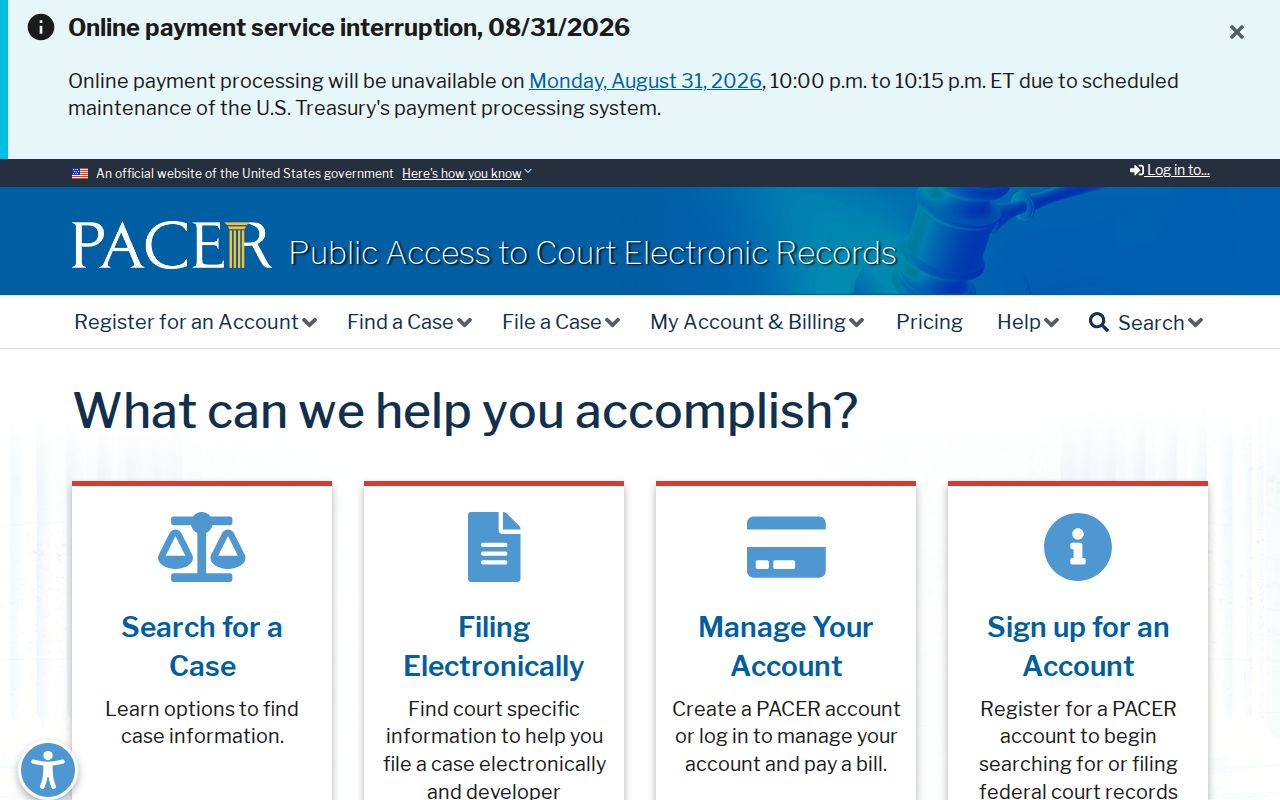
The federal service belongs on its own search path. Do not route it through a Durham County Clerk request for a state-court file. The Middle District of North Carolina PACER page shows the federal court's local PACER channel.
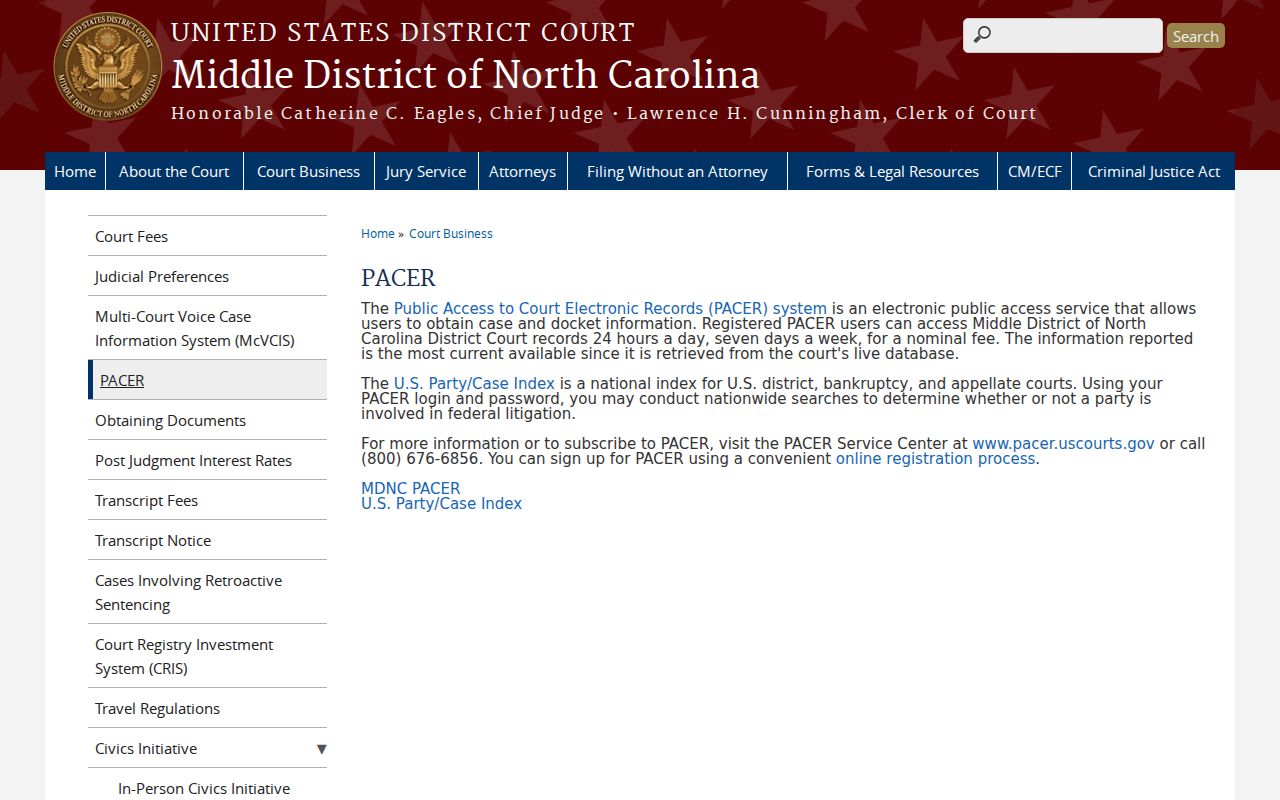
That division keeps the Durham County state-court record question separate from federal docket access.
Durham AOC-CR-314 Records
Need a certified criminal and infraction records search in one named county? That is what the AOC-CR-314 form does. It is not a Durham County docket-sheet request. It will not pull an entire case file.
The form itself is simple. You supply the county and the person's names and aliases. Add your own identity and mailing details, plus the category of record you want. Remember the search limits, though. It works county by county and depends on indexed names. It also leaves out juvenile information, sealed cases, and unreturned warrants. For a specific public order or judgment in Durham County, file that request instead of relying on this form.
Certified Copies and Fees
A plain copy and a certified copy are two different Durham County requests. The certified version comes from the Clerk. It carries the Clerk's official certification. The plain one does not. So what does a copy cost? The Clerk publishes no single universal price or turnaround for a generic document or docket-copy request. So treat any payment-page charge with care. Do not assume it is the Durham County court record fee. Name the document you need and confirm the current cost with the Clerk first.
| Durham County court record item | Amount published in reviewed sources |
|---|---|
| Public Portal Case Summary search | Free public and anonymous search. |
| Plain copy of a particular court record | No current generic Durham County figure located. Confirm with the Clerk counter. |
| Certified copy of a particular court record | No current generic Durham County figure or turnaround located. Confirm with the Clerk counter. |
| Transcript from a proceeding | Request through the court reporter; local cost and ordering terms were not located. |
Durham Clerk of Superior Court
510 S. Dillard Street
Durham, NC 27701
919-808-3000
Durham Paper Court Records
Durham County's move to eCourts made the Portal the main online route for current case information. It did not end the Clerk's role with paper and historical records. Some cases simply have no visible image online.
When that happens, the answer is a Clerk inquiry, not another round of online searching. The Track 4 conversion also left legacy systems inquiry-only once the local transition began. Paper and historical Durham County court records remain a Clerk-office resource.
Durham Court Record Fee Limits
Durham County payment instructions cover court obligations. They do not set court-record copy prices. By mail, pay with a money order or certified check made out to the Clerk. That rule says nothing about a copy or certification amount, though. Name the document, then ask the right Durham County counter for the current fee and timing.
A payment receipt has its own narrow place here. It can document a payment. It is not a certified Durham County court record, and it cannot replace the Clerk's copy process.
Public Access and Sealed Records
North Carolina Public Records Law, G.S. Chapter 132, sets broad context. For Durham County court records, though, G.S. 7A-109 is the direct rule. It directs the Clerk to keep records, files, dockets, and indexes open for public inspection during regular office hours, unless access is prohibited. Not everything is open, of course. Sealed, confidential, sensitive, juvenile, and other restricted Durham County records stay unavailable through ordinary public Portal access.
Key Rules:
G.S. 7A-109 requires the Clerk to keep court records, files, dockets, and indexes available for public inspection unless access is prohibited.
G.S. 132-1 defines public records generally, while the court-specific rule and confidentiality laws control a Durham County court-record request.
G.S. 7B-3000 withholds juvenile records from public inspection except as the statute or a court order allows.
Read the official G.S. 7A-109 text for the Clerk's record-keeping and public-inspection rule on Durham court records.
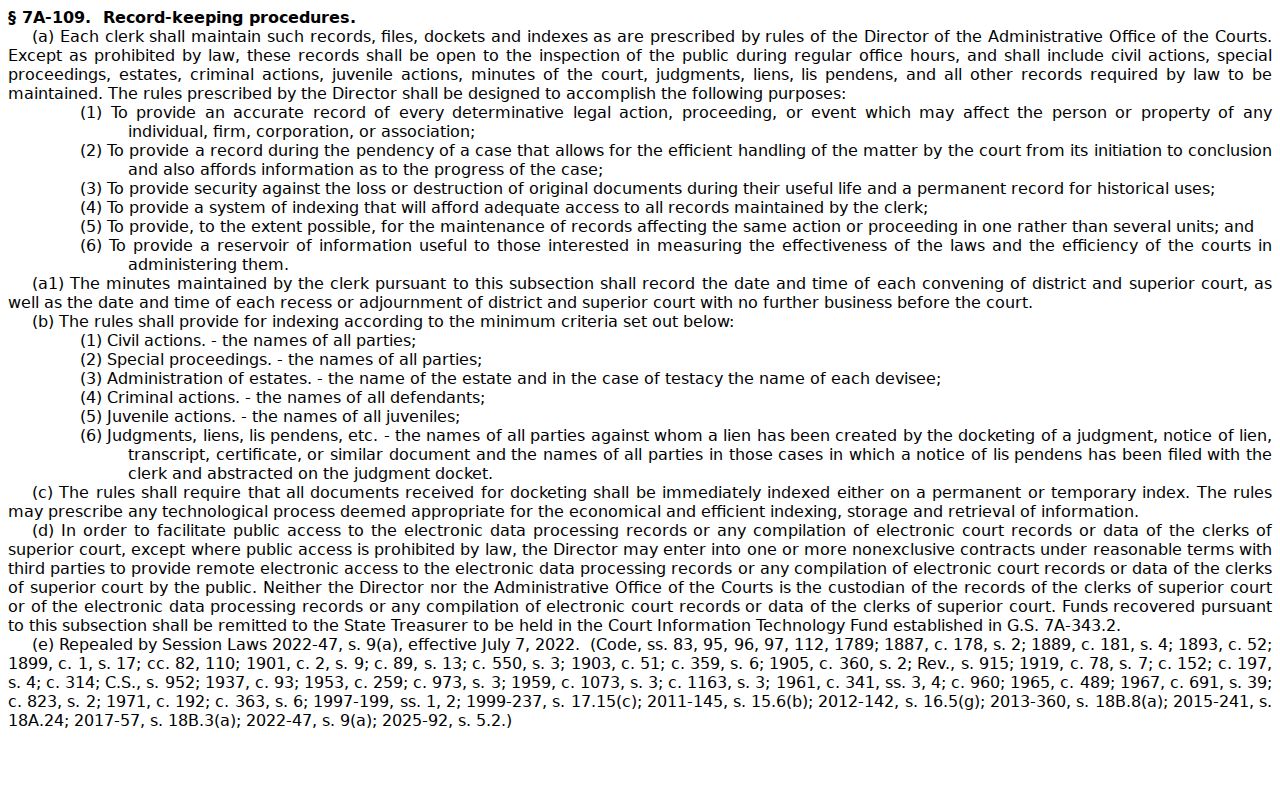
That inspection rule is why Durham County access starts with the Clerk and the Portal, within whatever limits apply to the record at hand. The broader state picture sits elsewhere. The official North Carolina Public Records Law supplies the general definition that works alongside court-specific access rules.
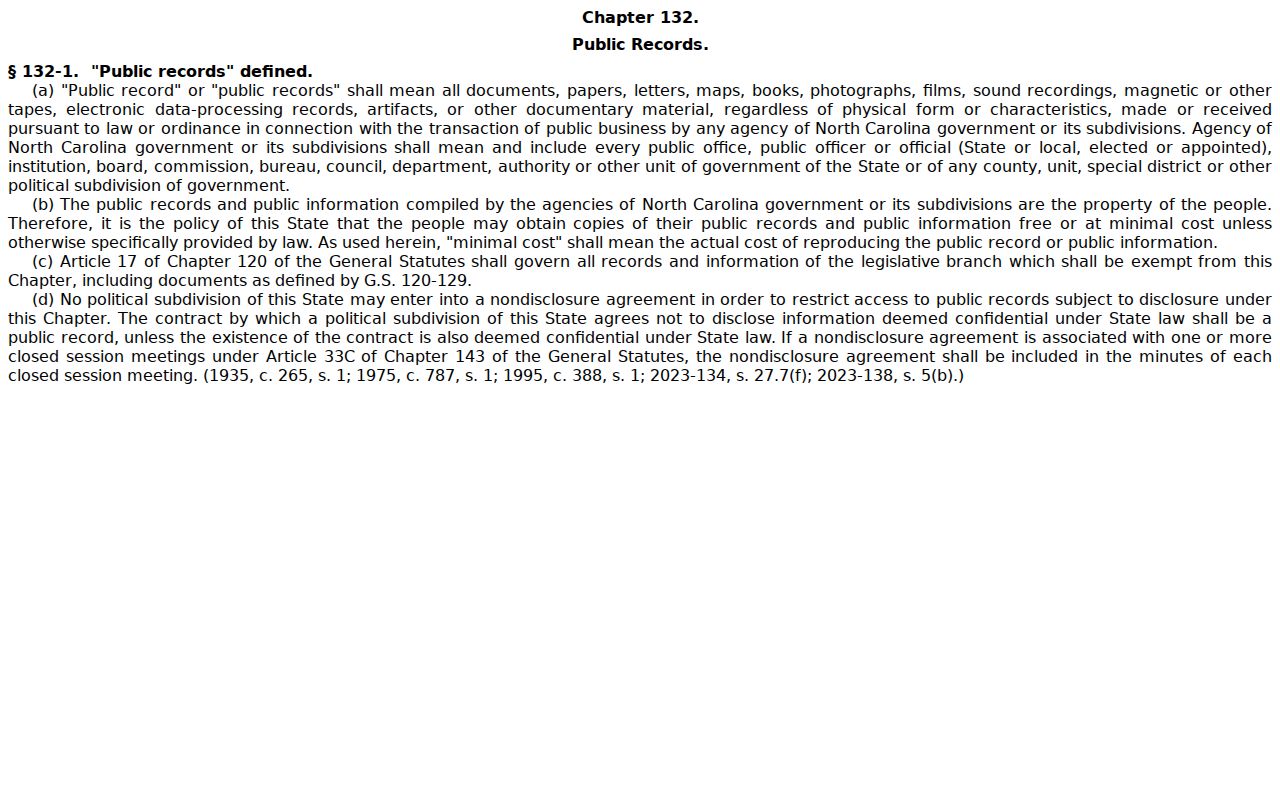
A broad definition has its limits. It cannot open a restricted Durham County court record when a more specific statute or order controls. The official juvenile-record statute shows one categorical limit on Durham court records.
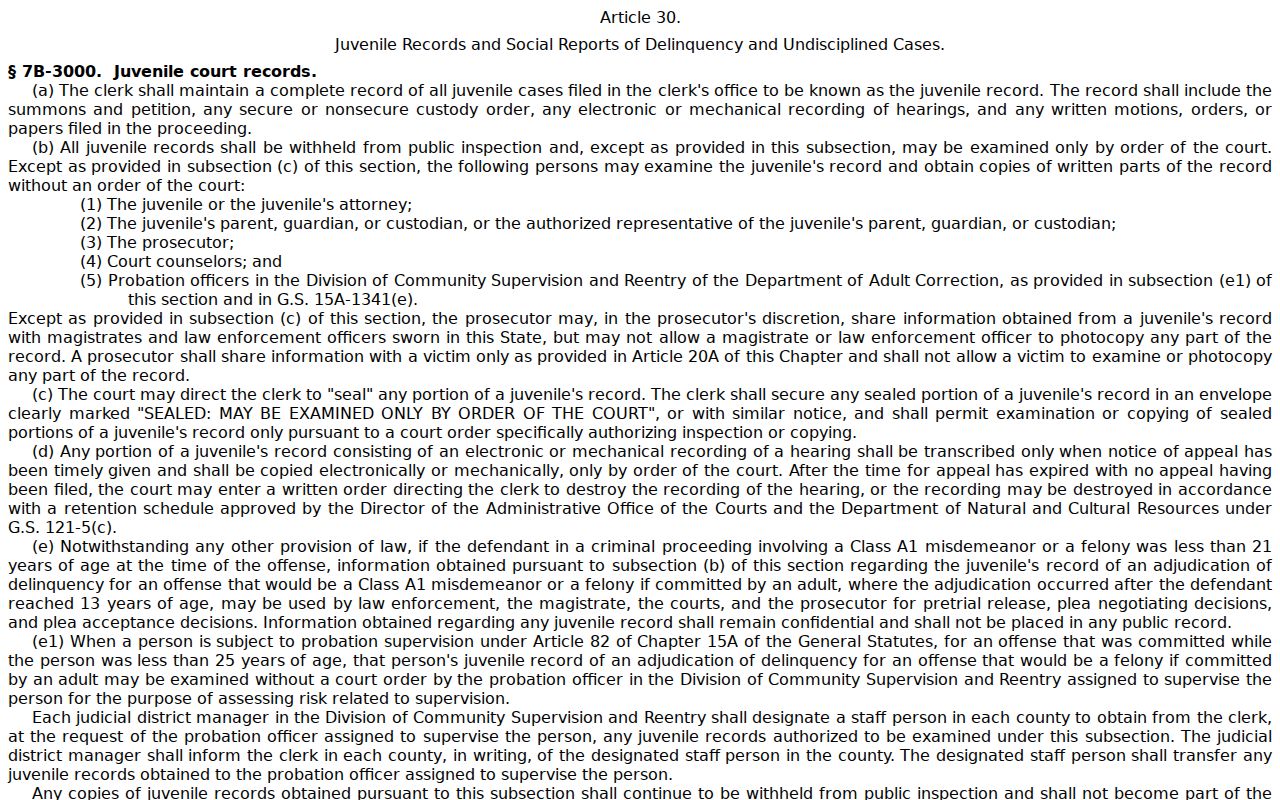
Here is the practical point. A missing juvenile or sealed result does not mean no Durham County court matter exists.