
How to Search Criminal Dockets
The North Carolina eCourts Portal is the first stop for a Durham criminal case online. It is free. It works without an account. Durham public access pulls case information, the Case Summary, hearings, dispositions, and available records into a single view, so a docket search starts there. Use the complete case number when you have it. Without one, Smart Search takes a last and first name in its "Record Number or Name" field.
Want a broad list of Durham results? Run Smart Search first. Then open Advanced Search, set Location to Durham, and set Case Search Criteria to Criminal Actions when that category fits. Each result opens by case number. Check Case Info and Assignment before you call it a Superior Court or District Court matter. The Portal is a lookup tool, not a filing screen; Durham filings go through North Carolina eCourts File & Serve where applicable.
- Enter the full case number, if available, or enter a specific last name and first name in Smart Search.
- After the initial search, apply the Durham location and Criminal Actions filters only when they fit the matter.
- Open the matching case number, then check Case Info and Assignment for the court and case context.
- Read the chronological Case Summary, compare it with Hearings, and then review any listed Dispositions.
- Use the Clerk channel for a paper file, a certified copy, an older record, or a question about restricted access.
Durham Criminal Portal Narrowing
The Portal caps results at 200. Treat that cap as a prompt to narrow the docket search, not as proof a case is missing. Wildcards help. Official user materials allow one after at least four case-number characters, or after at least three characters of a last name. Stick to details already tied to the Durham case. A date-of-birth filter exists too, but the public view masks the month and day, so it falls short of full identifying data.
| Portal control | How it helps with a Durham criminal search |
|---|---|
| Record Number or Name | Required Smart Search entry for a complete case number or a name. |
| Location | Choose Durham after the basic search to reduce a statewide result set. |
| Case Search Criteria | Use Criminal Actions only when it accurately matches the case. |
| Search Type | Advanced options include Case Number, Party Name, Business Name, and Citation Number. |
| Case status | Use only a known status; the public guide does not list every Durham value. |
What a Criminal Docket Shows
Durham's online criminal docket goes by Case Summary or Register of Actions. It lists activity in order. It does not promise that every filed paper or image is visible. Depending on the Durham case and the Portal's access rules, the public view may include case information, assignment, parties, Case Events, Hearings, Dispositions, and Financial information where available.
| Case Info | Identifying and classification information reached from the case-number result. |
|---|---|
| Assignment | Shown when populated and useful for distinguishing the court or case assignment. |
| Case Summary / Case Events | The chronological activity record, rather than a complete set of attachments. |
| Hearings | Scheduled court events; compare this section with current case information before relying on an earlier date. |
| Dispositions | Case-specific recorded resolution or status. Read it before calling a matter complete. |
| Financial | Shown only where available; it is not a substitute for confirming a current amount with the court. |
| Documents / judgments | Available only when public access rules permit display. |
A missing document does not mean a missing Durham court event. Papers in Durham can be sealed, confidential, sensitive, historical, or simply unavailable online, even with a public case entry present.
Durham Criminal Case Summary Reading
Start with Case Info and Assignment. That tells you the court layer before you read the chronology. From there, trace what was recorded over time through Case Events and the Case Summary, and check the newest hearing entry against the dedicated Hearings section. An old Durham calendar date may no longer control. Read Dispositions last, before calling any case resolved.
- Case Summary / Register of Actions
- The Portal’s chronological list of recorded case activity.
- Case Event
- A logged procedural event in the case history.
- Hearing
- A scheduled court event that should be checked against current case information.
- Disposition
- A recorded resolution or status that is specific to the case.
Stages on a Criminal Docket
A Durham criminal Case Summary can hold charging and procedural activity. It also holds hearings and a final disposition. The Portal's official materials publish no Durham-only list. There is no set table of charge fields, bond values, plea codes, or abbreviations. So work from the exact words in the Durham case record itself. Ask Durham Clerk staff when a field or document needs confirmation.
Docket flow: Filing → Arraignment → Pretrial → Plea or Trial → Disposition → Sentencing. Not every Durham criminal case shows each event in that simple order, and a case can have several entries before a final disposition appears.
Durham Criminal Calendar Changes
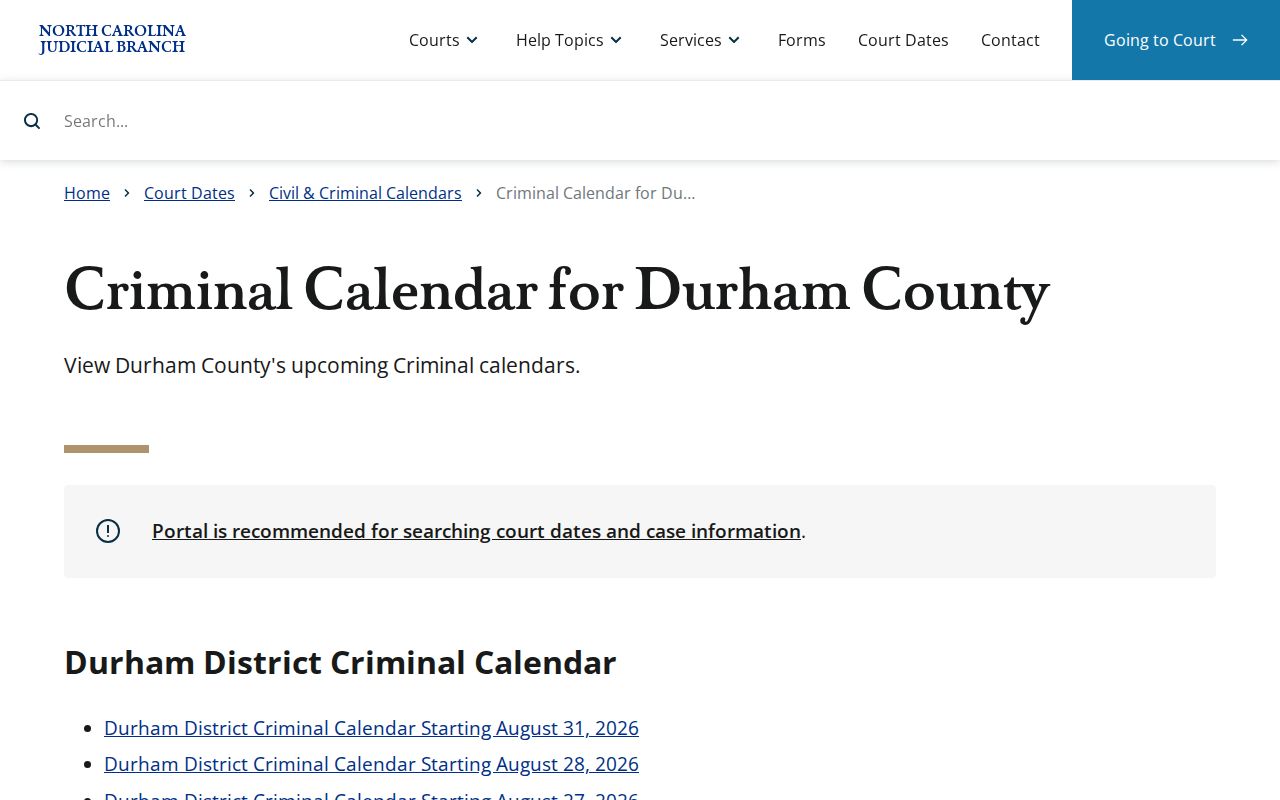
Durham offers two related date sources. The Portal's case view is case-centered. Its Hearings function can search Durham by a narrow date range and a selected search type. The Judicial Branch's criminal calendar service is different. It is session-centered and posts District and Superior criminal calendar material. A published Durham session document can still change. So the Portal entry for the Durham case plus the Clerk remain the confirmation chain for any changed setting.
The official criminal calendar interface shows the material this Durham criminal docket page draws on.
Still unsure about a Durham hearing? Call District Criminal/Traffic at 919-808-3002. Superior Criminal handles its own case type at 919-808-3007.
Durham Criminal Court Routing
One Durham Clerk of Superior Court keeps the trial-court record system. Each criminal counter, though, depends on the court layer. Durham Superior Court in District 16 handles felony matters. Durham District Court handles misdemeanors and state traffic cases. The Portal searches both Durham court layers in the same statewide environment, while Case Info and Assignment show where a case belongs.
| Durham criminal layer | Clerk channel | What it can confirm |
|---|---|---|
| Superior Court felony matter | Superior Criminal, Room 2100, 919-808-3007 | Case information, Case Summary, hearings, dates, and copies through the proper channel. |
| District Court misdemeanor or state traffic matter | District Criminal/Traffic, Room 1300, 919-808-3002 | Dates, courtrooms, citation and payment channel, and related case information. |
| Initial-process matter | Criminal Magistrates, 919-808-3019 | The Clerk lists this contact; record access still follows the court and Clerk process. |
Durham Criminal Search Result Limits
A no-result screen is not proof that no Durham criminal case exists. Check your spelling. Check the full case-number format, the court category, and whether the record was converted to eCourts. The matter may also be restricted. The Portal FAQ flags all of these possibilities. So when the online docket search comes up empty or thin, follow a precise search with the right Durham Clerk counter or a public-access terminal.
Note: A public search result identifies available court information only. It does not replace the Clerk's process. That process covers a paper file, a certified copy, or a restricted record.
Which Court Holds Criminal Dockets
Two trial courts split the Durham criminal docket. Felonies belong to Durham Superior Court, the general-jurisdiction level. Misdemeanors and traffic matters, including traffic misdemeanors, stay in Durham District Court. A District Court conviction or ruling can be appealed up to Superior Court. That is why the Assignment line on a case matters. It says more than a plain description of the charge.
The Clerk of Superior Court keeps one unified structure. Start with a Portal search for Durham. Use it when you have only a name or a citation. Once the case assignment is clear, turn to the Superior Criminal or District Criminal/Traffic calendars for a court date, a copy, or a counter-specific question about the docket.
Public Access and Sealed Criminal Dockets
G.S. 7A-109 requires the Clerk to keep records, files, dockets, and indexes open for public inspection. That duty holds during regular office hours unless a law blocks access. Durham's Portal adds an online channel for court records. It does not lift the limits that attach to them. Sealed, confidential, and sensitive documents stay hidden. That is true even when the case itself appears in a Durham docket search. For older paper files, certified copies, and questions about which access rule applies, Clerk staff are the official route.
Juvenile records remain confidential unless a law or court order allows release. The Portal's public view for Durham also restricts domestic-violence matters and other protected categories. Someone with a real case-related question should use the proper Clerk channel or legal process. A restricted result is an access rule, not a public omission.
Key rules:
G.S. 7A-109 requires the Clerk to keep court records and provides for public inspection unless access is prohibited.
G.S. 132-1.4 addresses specified criminal-investigation records, which are distinct from the court case file.
G.S. 7B-3000 keeps juvenile court records from public inspection except as authorized.
The official criminal-investigation statute is the source for this Durham criminal docket image.
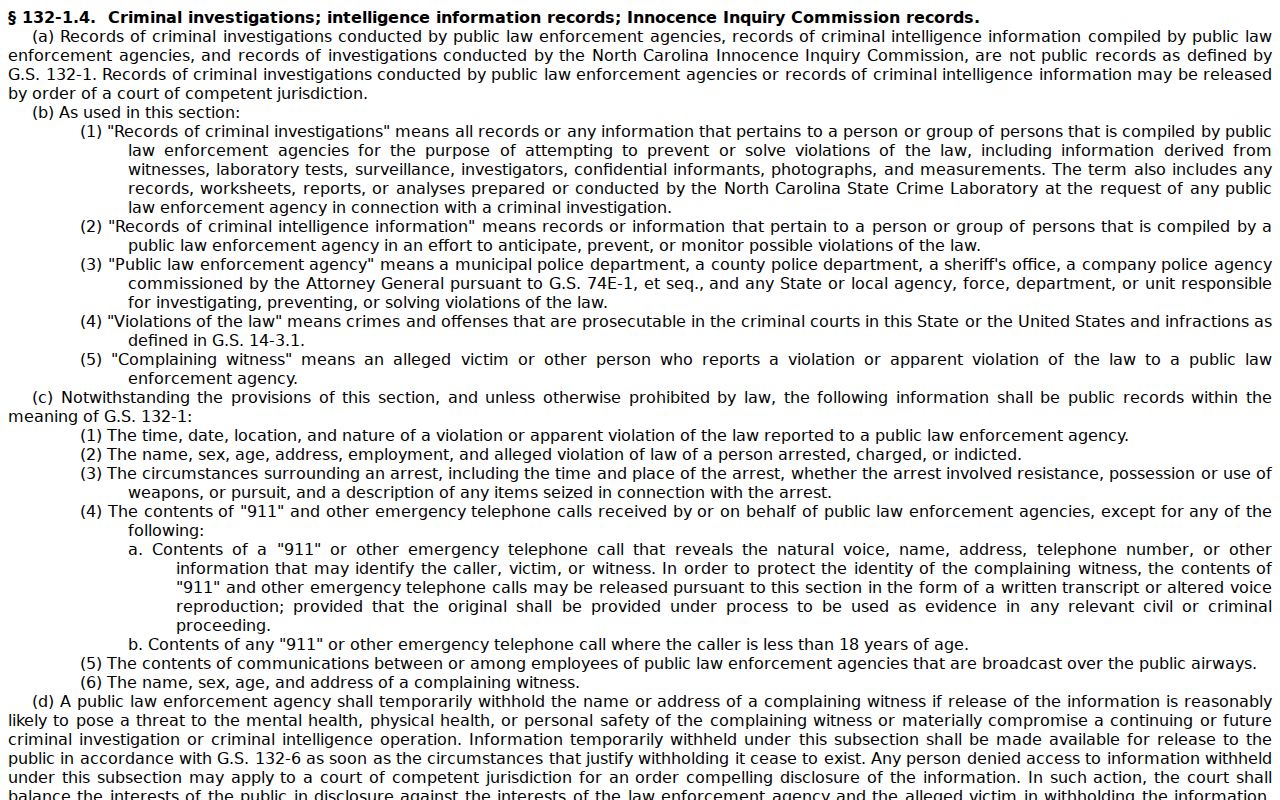
The statute helps separate an investigative record request from the Clerk-held court record that a Case Summary shows.
Durham Criminal Record Requests
Two different requests get confused here. A public Durham Case Summary is one thing; a certified criminal record search is another. The Judicial Branch's criminal record search information explains AOC-CR-314, a single-county certification process. It leaves out juvenile information, sealed cases, and unreturned warrants. It is not a full statewide history. For a Durham case you have already identified, run the Portal search for Durham first, then contact the right Clerk department for the copy you need.
The official criminal-record-search information is the source for this Durham criminal docket page.
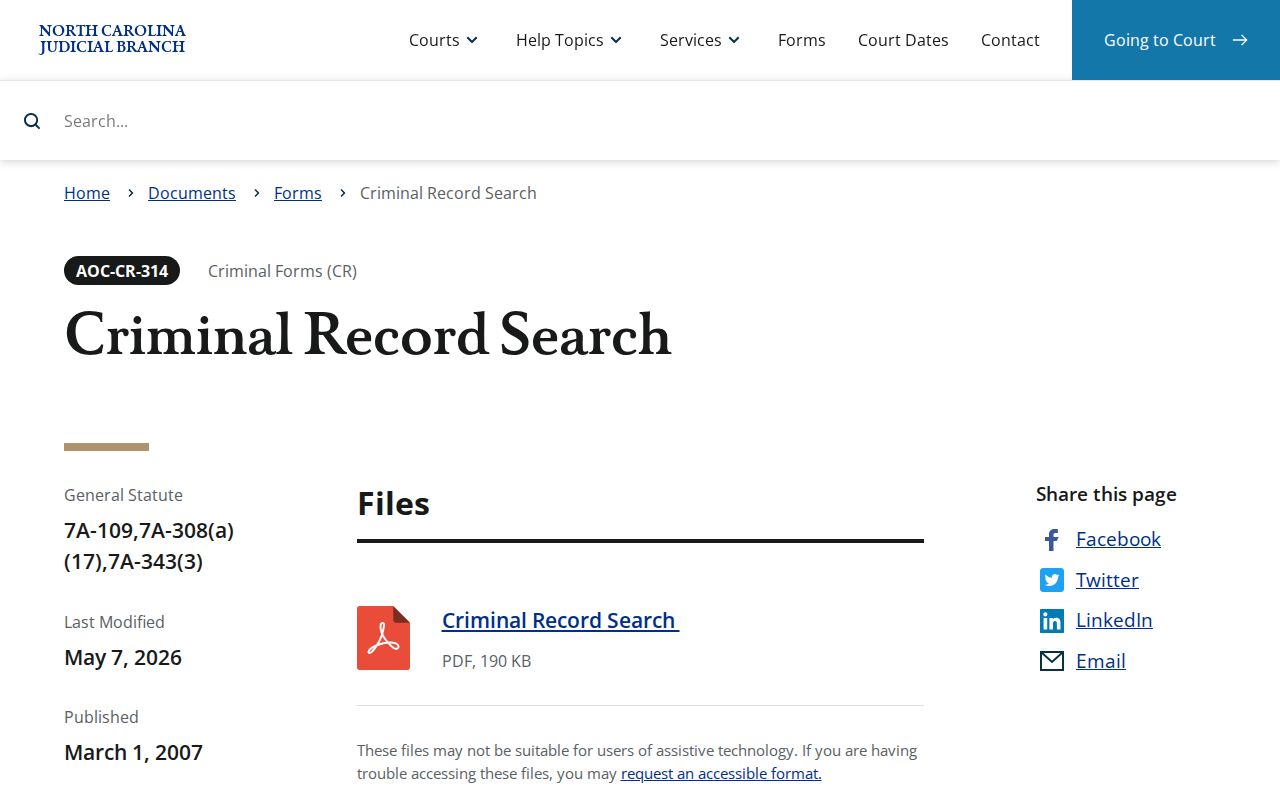
Those limits carry a lesson. A result the form cannot return may mark an access boundary, not a conclusion about a person.
Durham Criminal Dockets After eCourts
Durham joined the Track 4 eCourts conversion on April 29, 2024. The legacy system went inquiry-only during the switch. Afterward the Portal replaced legacy public applications in Durham for court indexes, abstracted information, and documents. That history explains the current split: live case information sits in the Portal, while older paper documentation remains a Clerk-office resource for a Durham docket question.
North Carolina finished the statewide eCourts rollout in 2025. Durham courthouse kiosks arrived the same year, offering Portal use, File & Serve and Guide & File access, scanning, printing, court-date and case-event lookup, and payment services. No specific kiosk room is named in the announcement. Ask the Clerk about current courthouse access in Durham.
Durham Criminal Docket Context
Durham District 16 runs both sides of the criminal docket under one Clerk. Superior Court handles felony work. District Court handles misdemeanor work. The North Carolina Sentencing and Policy Advisory Commission publishes conviction figures. They give a sense of scale and nothing more. They are not filings, pending cases, or Portal results. Do not use them to guess a case's timing or the size of a Durham docket search result.
Those numbers frame the Durham criminal docket. Case-specific answers still come from the Portal, the calendar, and the Clerk.