
How to Search the Durham County Court Docket
The fastest Durham County court docket route costs nothing. It runs through the free North Carolina eCourts Portal. Anonymous public searching costs nothing. One system there gathers case information, hearings, Case Summary activity, available judgments or documents, and selected payment functions. A complete case number gives the sharpest match. If only a name is known, type it into the record-number-or-name box. Then trim the Durham County results with the Location filter plus an accurate case type or status.
Keep perspective, though. The Portal carries current eCourts case information for Durham County. But it is not the Clerk's full file room. Results can run broad, and the Portal stops at 200 matches. That cap is a prompt to tighten the filter. It is not proof that no Durham County case exists. Trust a case number, exact spelling, court assignment, and a current hearing entry over any broad name result.
- Open the eCourts Portal and enter the complete Durham County case number when it is known.
- For a name search, run Smart Search first, then use Advanced Search to select Durham and an accurate case category.
- Open the case-number result and read Case Info and Assignment before reading the chronological Case Summary.
- Compare the latest Case Events with the Hearings section when a Durham County court date matters.
- Contact the appropriate Clerk department for a paper file, certified copy, or an access question the public result cannot answer.
Note: A Durham County search result is only a lead toward case information. For formal copies, or for records beyond online access, the Clerk remains the source.
Durham County eCourts Portal Search
Smart Search comes first. Advanced Search filters can only narrow a Durham County result after that first pass runs. The official Portal guide lists the search types: case number, party name, business name, and citation number. Location matters most. The Portal is statewide. A date-of-birth filter is optional. Public display masks the month and day. Wildcards carry rules too. Use at least four case-number characters before an asterisk. Use at least three last-name characters before one.
Filing lives elsewhere. North Carolina eCourts File & Serve is a separate filing channel, and it does not replace a Durham County docket search. The Clerk also links to guided filing services, but a filing interview will not retrieve an existing Case Summary. Keeping these paths distinct helps you pick the right screen before sharing case information.
The official Durham County government site gives the local government context behind the Clerk's public services. Its Durham County court record information complements the statewide Portal. It replaces nothing. That county page reflects the local setting in which the Clerk's court-record work is organized.
A Durham County record search often needs a local follow-up. In that case, pair the online result with the Clerk's case-type counter, since each covers ground the other cannot.
What a Court Docket Shows
In Durham County, the Portal labels its chronological public view a Case Summary. Official materials also call it the Register of Actions. It is a running account of recorded case activity. It promises nothing about every filing image being public or attached. The case category shapes the details. A criminal matter can organize charging and disposition activity, while a civil matter can show parties, motions, hearing notices, and judgment-related entries.
Read a Durham County record in sequence. Case Info and Assignment identify the court and the type of matter. Party information then helps distinguish the case. Birth dates shown publicly are partly masked. Case Events and the Case Summary lay out activity over time. Check Hearings and Dispositions before describing any setting or outcome. Financial information appears only where available. A judgment index amount is not necessarily a current payoff.
| Case Info | Identifying and classification information for the Durham County case. |
|---|---|
| Assignment | The court or case assignment when the Portal displays it. |
| Parties | People, organizations, or government roles connected to the case. |
| Case Summary | Chronological Register of Actions and Case Events, not every filed document. |
| Hearings | Current hearing information that should be checked against older entries. |
| Dispositions | Case-specific recorded resolution or status information. |
Durham County Case Summary Terms
Labels matter here. A Durham County search reads better once the Portal's terms stay separate. A Case Summary, or Register of Actions, is the chronological record of activity. A Case Event is one item in that history. A Hearing is a scheduled court event. A Disposition records a resolution or status, and it must be read in the context of the particular case. A public document may be linked where access permits. Even so, a Case Summary event does not prove that a document image is available.
- Assignment
- The displayed court or case assignment that helps identify the Durham County forum.
- Case Event
- A recorded procedural event in the chronological case history.
- Continuance
- A court-authorized movement of a scheduled setting, not simply a request to move it.
- Register of Actions
- The chronological Case Summary view rather than a substitute for the full case file.
After an eCourts migration, converted historical events can show a 12:00 a.m. time stamp. That stamp is a data-conversion artifact. No midnight Durham County hearing took place. The North Carolina eCourts program explains the statewide system. It now supplies the online layer. Verify a current time through the record's latest Hearing section and Clerk confirmation.
Which Courts Keep Dockets
Durham County sits within North Carolina's unified General Court of Justice. A single Clerk of Superior Court structure keeps the administrative and record-keeping work. It covers both Superior Court and District Court matters. The court category sets the Durham County counter, calendar, and case type. The split runs deep. Superior Court District 16 handles felony cases and higher-value civil matters. It also handles the proper appellate review from District Court. District Court takes misdemeanors, traffic, family matters, juvenile matters, and designated civil cases. Magistrates hold separate small-claims and initial-process functions.
The North Carolina court hierarchy page offers useful background. But read a Durham County case from its own assignment. Never infer the court from an address or claim amount. A city parking citation is an administrative city record. The county has no municipal-court layer. So a citation never lands in a Durham County municipal-court docket.
| Court | Docket Covers | Where to Search |
|---|---|---|
| Superior Court, District 16 | Felonies, qualifying civil matters, and District Court appeals. | eCourts Portal; Superior Criminal or Civil Clerk channel. |
| District Court, District 16 | Misdemeanors, traffic, family, juvenile, and designated civil matters. | eCourts Portal; District Criminal/Traffic, Family, or Civil channel. |
| Civil Magistrates | Small claims up to the statutory ceiling and related civil magistrate work. | eCourts Portal and the Durham County magistrate service point. |
The North Carolina court-hierarchy resource maps how the state's court levels fit together. For a Durham County docket, what controls is the court assignment, not the word "court" on a notice.
With the assignment settled, the matching Durham County Clerk department confirms the record or setting.
Durham County Court Docket Technology Shift
Durham County joined eCourts through the Track 4 conversion. It went live on April 29, 2024. Legacy public applications turned inquiry-only during the transition, and the Judicial Branch positioned the Portal as the replacement route for court indexes, abstracted information, and documents that access rules allow. So a Durham County docket search now centers on the Portal. Older paper materials remain a Clerk-office resource. Statewide rollout finished in October 2025. All 100 North Carolina counties now sit on the system. Durham County also picked up public eCourts kiosks in 2025. Each kiosk provides Portal access, scanning, printing, filing-service access, court-date and case-event viewing, and payment services. The release names no kiosk room. Nor does it promise every function for every matter. For a specific request, ask the Durham County Clerk where terminal or kiosk access fits. The official eCourts File & Serve service covers the filing side of the Durham County digital court environment. Public case reading runs on a separate route.
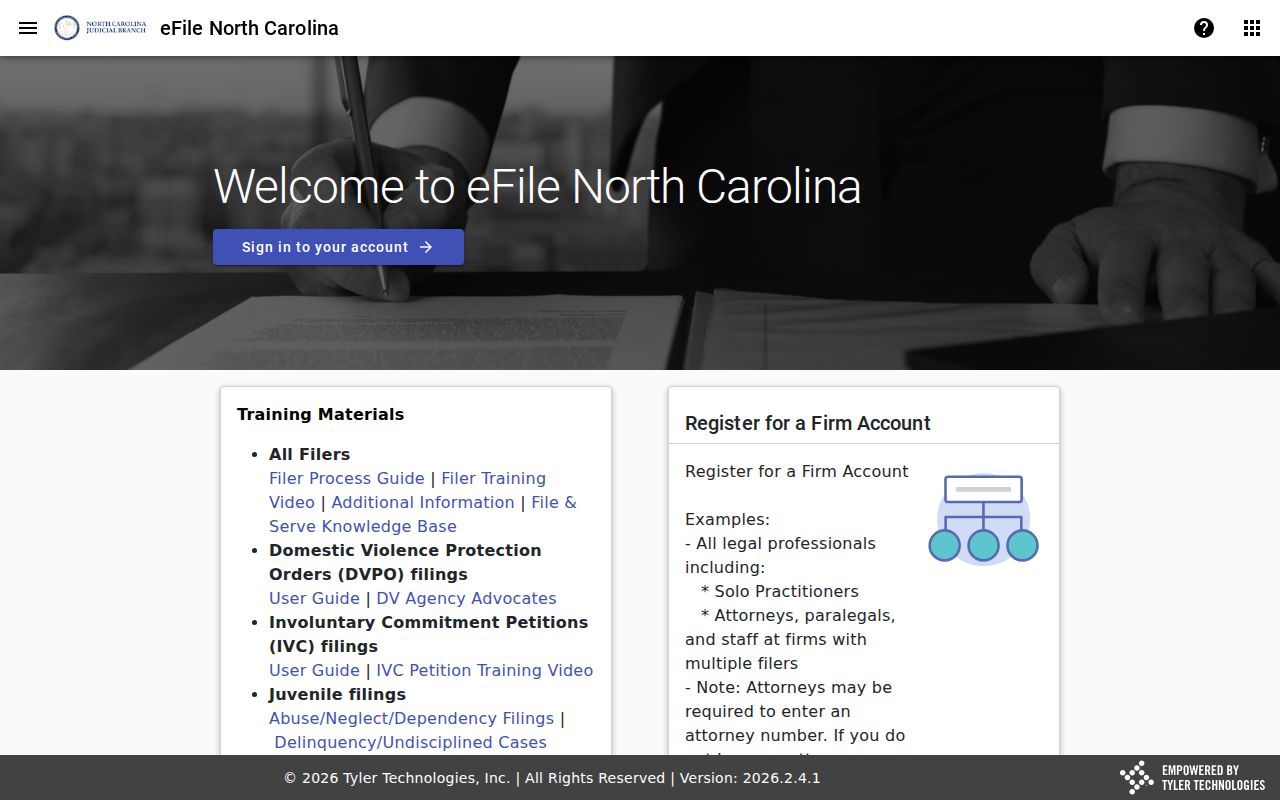
Case Summary searches for Durham County belong in the Portal. Filing activity lives in the separate eCourts filing tools, which are identified apart from case reading.
Finding Court Dates and Settings
Durham County offers two calendar sources, and each answers a different question. The Portal works case by case. Case Summary, Case Events, and Hearings all speak to one matter. The Judicial Branch calendar site works session by session. After you pick County and Calendar Type, it publishes its civil and criminal calendars. Handy for planning, yes. But a session calendar is not a searchable case docket, and dates can shift after it posts.
Begin with your citation or notice. Then pull up the Durham County case in the Portal. Weigh its latest Hearing entry against the matching session calendar. Civil scheduling questions may go to the District Court coordinator. Criminal and traffic questions go to the right Clerk department. If a continuance or reset happened, trust the case-level record over any older calendar download. The newest entry wins every time.
Durham County Calendar Sources Compared
Durham County civil calendars run on local timing rules. Those rules explain why a setting can look different from an early session document. The district court coordinator sets the civil calendar. Trial and administrative calendars go out about four weeks ahead, while motion calendars follow about one week ahead. Everything stays subject to weekly modification. The final draft is due no later than 2:00 p.m. on the last business day before the session. The Durham local rules and forms page lists the general civil rules along with the DUR-CIV-3 through DUR-CIV-6 calendar materials. A notice of hearing or calendar request is part of local scheduling. It is no promise the setting cannot move. A fresh Portal hearing check helps. Use it whenever a Durham County civil matter is close to court. Durham County calendar PDFs are session tools. The current case hearing and direct court confirmation decide whether a changed setting stays operative.
Public Access to Dockets
Durham County court information is public, within court-record limits. G.S. 7A-109 is the direct rule. It has the Clerk maintain records, files, dockets, and indexes and open them for public inspection during regular office hours unless access is prohibited. North Carolina Public Records Law adds broader context. For the actual Clerk and Portal experience, the court-specific statute and confidentiality law control. Public inspection does not put everything online. Attachments, dates of birth, historic paper records, or whole categories may stay off the Portal. The Portal states that sealed, confidential, and sensitive documents do not display. A search miss can mean an inaccurate name or format, a historical or restricted case, or a truly absent record. It is never a finding about a person.
Key Rules:
G.S. 7A-109 requires Clerk-maintained court records and public inspection except where access is prohibited.
G.S. 132-1 defines public records generally, while court-specific limits still govern access.
G.S. 132-1.4 distinguishes specified criminal-investigation records from court case files.
G.S. 7B-3000 keeps juvenile court records from ordinary public inspection except as authorized.
Durham County Court Docket Access Limits
Durham County public Portal access comes in three layers. There is anonymous public searching. Free registered access adds My Cases, and an approved elevated-access path serves qualifying users. Neither registration nor elevated access opens sealed, confidential, or sensitive materials. Domestic-violence access follows its own documented rules. Anyone with a legitimate case-related need should not work around a restriction. Use the Clerk or lawful process instead. Juvenile records carry separate confidentiality under G.S. 7B-3000. Expunction rules are case- and statute-specific. A missing online Durham County result does not prove there was never a case. When a court record stays out of public view, identify the case number and category, then ask the fitting Clerk channel which access rule applies. The public screen and the Clerk's record function are related but not identical. The official PACER Service Center page covers the separate federal public-record route. It contrasts with the Durham County state-court Portal.
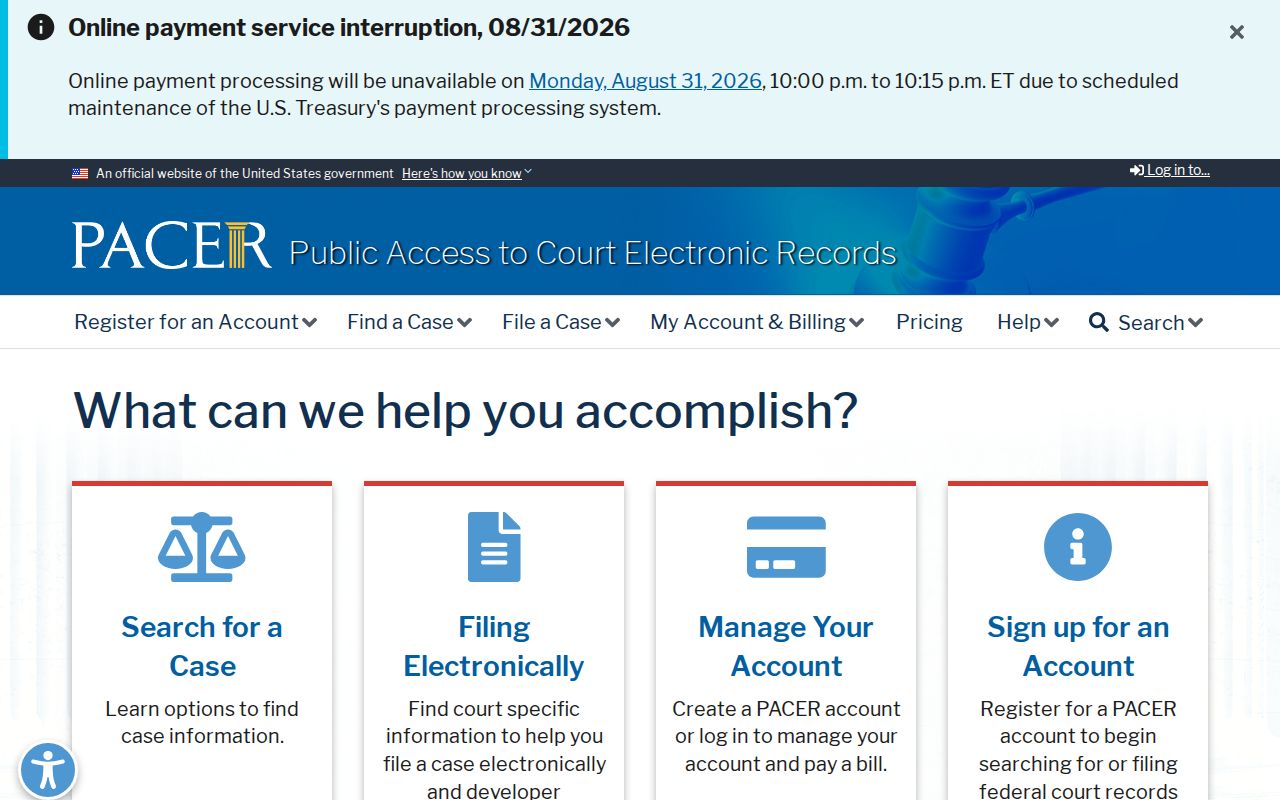
Durham County access starts with public inspection rules. Federal access runs through the separate PACER system and its own court coverage.
The Clerk and Docket Records
One office keeps nearly everything. The Durham County Clerk of Superior Court holds records for both Superior Court and District Court matters. Inside, public counters split the work by case type. Windows cover Civil, Judgments, District Criminal/Traffic, Superior Criminal, Family Court, and magistrate functions. That split matters. When a Case Summary points to a copy request or a hearing date question, the right department depends on the court and case type in the Durham County record.
Start with the Portal. For a paper file, a certified copy, an older record, or a document that will not display in the Portal, the counter and its public access terminal are the fallback. North Carolina guidance says terminals in Clerk offices allow criminal searches by defendant, case number, victim, or witness. No terminal is tied to a Durham County room. Ask the Clerk where to sit.
Confirm copy and certification fees with the Clerk before you order. The Clerk's staff handle that question daily. A small confirmation up front avoids a rejected request at the window.
Durham County Clerk of Superior Court
510 S. Dillard St.
Durham, NC 27701
919-808-3000
Durham County Clerk Counter Map
One courthouse, several doors. Durham County civil records live in Room 1500, and Judgments works from Room 1400. District Criminal/Traffic sits in Room 1300. Superior Criminal occupies Room 2100. Family Court uses Room 6500, while Civil Magistrates use Rooms M1, M2, and M3. Every counter belongs to the unified Clerk structure, so the room map changes nothing about who keeps the docket.
Check the case assignment before you call. District Criminal/Traffic takes traffic matters, District Court criminal dates, and payments. Superior Criminal answers felony record and date questions instead. The Civil counter handles civil filings. Judgments plays a separate role, covering judgments and certain older divorce decrees. With that map in hand, a Durham County requester asks for the right record rather than a vague "docket."
Bankruptcy is the exception worth naming. The official U.S. Bankruptcy Court for the Middle District of North Carolina page documents a separate federal record system, so a federal docket does not belong at a local state-court counter.
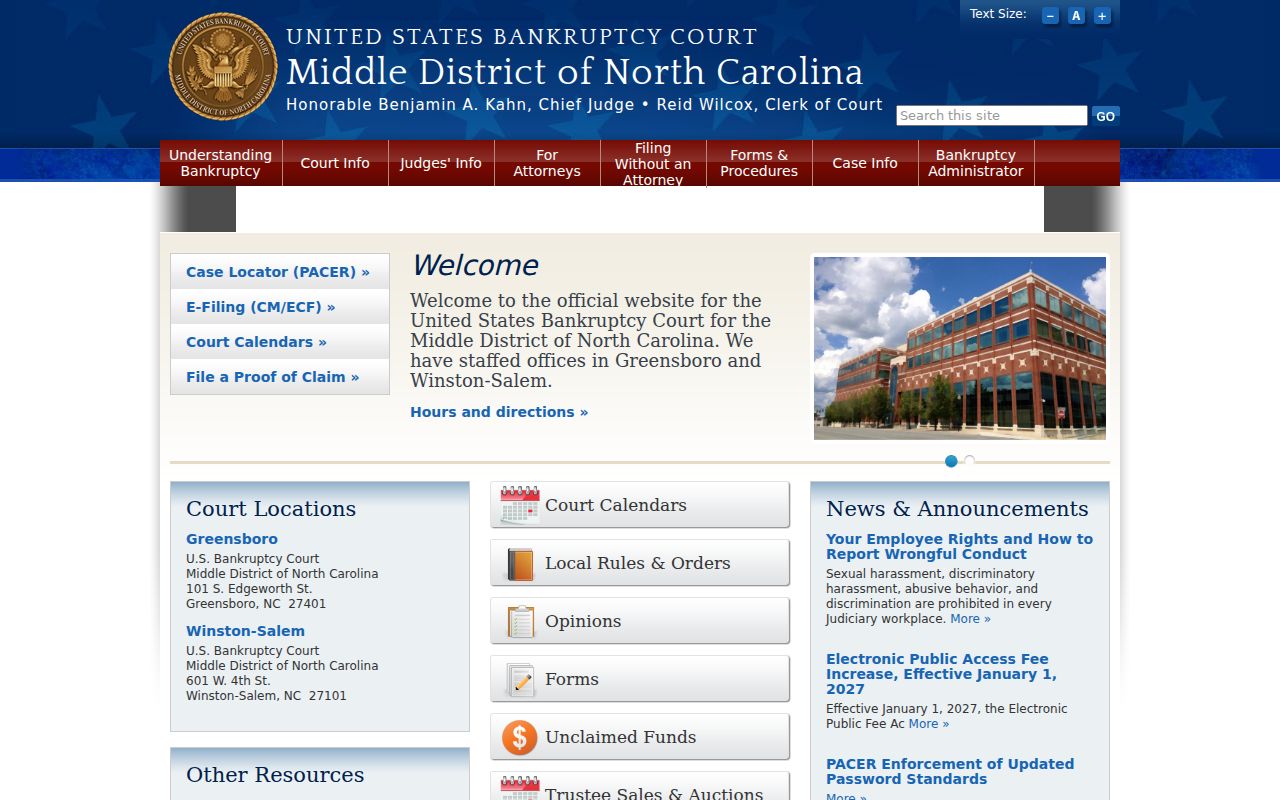
Durham County court records may sit in one courthouse. A bankruptcy record instead follows the separate federal court path that the official source lays out.
Court Dockets by City in Durham County
Durham County's official material lists four incorporated municipal geographies: Raleigh, Durham, Chapel Hill, and Morrisville. None has its own court system. North Carolina provides no separate municipal-court docket layer for those city territories. A city name helps narrow a search. It never decides venue. Traffic, criminal, civil, family, and probate matters that belong in Durham County all run through the state courts. The unified Clerk and the eCourts Portal handle them.
Raleigh, Chapel Hill, and Morrisville all extend across county lines, which makes the Portal's Location field and the case Assignment section matter more than any city label. Local parking works differently. A city parking payment or appeal system is not a court docket, and it should be used only for the administrative citation it identifies.
Raleigh Court Docket
500,639 total residents; 1,664 estimated in Durham County in July 2024. Check county venue before selecting a state-court record channel.
Durham Court Docket
300,467 estimated residents in Durham County in July 2024. State court records route through the courthouse and Clerk structure.
Chapel Hill Court Docket
2,958 estimated residents in Durham County in July 2024. City name alone does not establish the county docket.
Morrisville Court Docket
237 estimated residents in Durham County in July 2024. Town parking enforcement is separate from a state-court citation.
Durham County State Court City Boundaries
Check the county location filter with care. Durham County's town lines matter. The state put 89 percent of the county's population inside incorporated municipalities on July 1, 2024, but city identity does not create a separate court system. Where a case sits depends on the case number, the citation, the court assignment, and the Portal location field, and those four items give you the reliable path to the right Durham County record.
Federal cases draw a second boundary. A federal matter tied to Durham County will not show up in the state Portal just because a party or an event happened locally. The Middle District of North Carolina handles federal docket access through PACER, while bankruptcy records live in the separate federal court system. For the appellate layer, the U.S. Court of Appeals for the Fourth Circuit posts the official page.
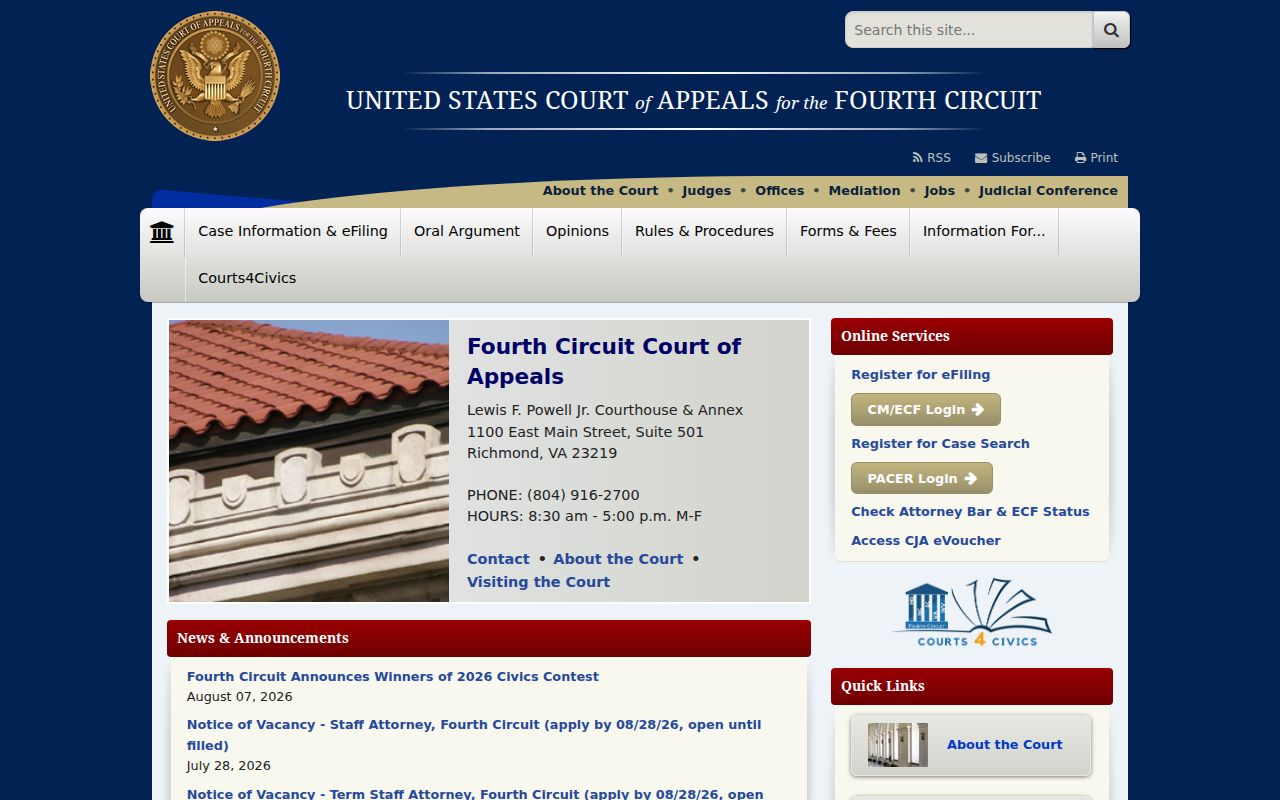
Start a Durham County state-court search with eCourts. A federal docket inquiry, by contrast, follows the right PACER and federal court channel.
Map and Directions to the Durham County Courthouse
The Durham County Courthouse on South Dillard Street holds every Superior and District Court counter in the unified Clerk's office. Civil filings are on the first floor, Room 1500; the Judgment department is also first floor, Room 1400; District Criminal/Traffic sits nearby on the first floor, Room 1300. Superior Criminal is on the second floor, Room 2100; Civil Magistrates work from the third floor, Rooms M1/M2/M3; and Family Court is up on the sixth floor, Room 6500. Matching the counter to the case type before arrival saves a trip through the wrong floor.
Durham County Courthouse
510 South Dillard Street
Durham, NC 27701
919-808-3000
Monday through Friday, 8:30 a.m. to 5:00 p.m.
Enter through the main Dillard Street entrance; a wheelchair ramp is on the Mangum Street side, and accessible parking is available on each level of the courthouse garage, with third-level access from the parking deck's elevators. For accommodation or interpretation questions, call Trial Court Administration at 919-808-3217 or 919-808-3018, or the Sheriff's Office at 919-560-0900 for other visitor assistance.